PDF Units Explained: Points, Pixels, Millimetres and Inches
A PDF stores sizes in one unit and your screen, your printer and your design tool each speak another. This is the short map between them.
The four units
- Point (pt): 1/72 of an inch. The native unit of PDF. See what a PDF point is.
- Inch (in): 72 points exactly.
- Millimetre (mm): 25.4 mm to the inch, so 1 pt = 0.3528 mm.
- CSS pixel (px): 1/96 of an inch, so 1 px = 0.75 pt = 0.2646 mm.
The conversion chart
| From | to pt | to mm | to px |
|---|---|---|---|
| 1 pt | 1 | 0.3528 | 1.3333 |
| 1 px | 0.75 | 0.2646 | 1 |
| 1 mm | 2.8346 | 1 | 3.7795 |
| 1 in | 72 | 25.4 | 96 |
Which unit should you measure in?
- Printing: mm or in, matching your printer's paper.
- Design software: pt, the unit tools such as Illustrator and InDesign work in.
- Web or screen design: px, which matches CSS.
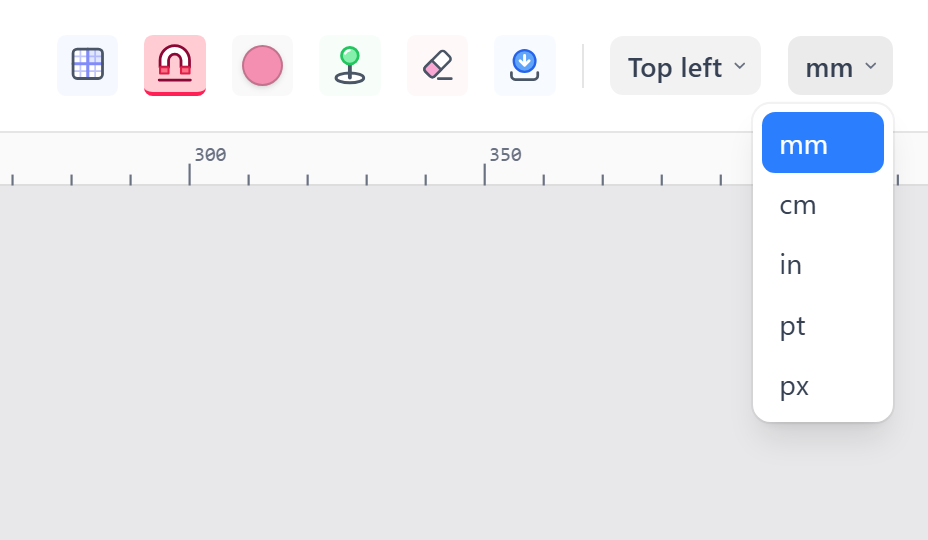
Why pixels on screen are not the PDF's size
A screen's pixels depend on zoom and on your display. A 10 mm square measures 38 px at 100% zoom and 76 px at 200%. PdfRuler does its math in points and converts only when drawing, so the readout stays 10 mm at any zoom. Calculators for the other direction are in converting mm and inches to points and px to mm for print.
Frequently asked questions
How many points are in an inch?
There are exactly 72 points in an inch, and 25.4 mm in an inch, so one point is about 0.3528 mm.
How many pixels are in a PDF point?
At the standard 96 pixels per inch, one point is 1.3333 pixels and one pixel is 0.75 points.
What unit does a PDF use internally?
Points. Page sizes and coordinates in a PDF are stored in 1/72 inch units; viewers convert them for display.
