How to Measure a PDF in Inches (Free Online Inch Ruler)
US paper, photo prints and many US print shops work in inches. A PDF made by a designer in millimetres or points needs converting before you can check it against an 8.5 x 11 sheet. PdfRuler does the conversion for you.
Measure a PDF in inches in 3 steps
- Open PdfRuler and drop in the PDF.
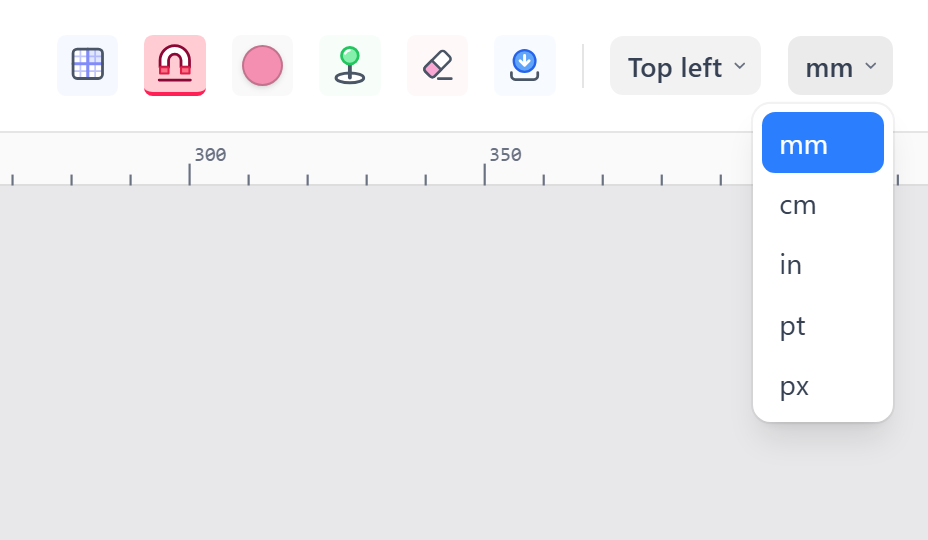
- Open the unit menu at the top right and choose in. The rulers, the cursor readout and the page size all switch to inches.
- Hover over the page. The bottom bar shows the X and Y position in inches, and the page size is shown next to it.
Common US sizes to look for
- Letter: 8.50 x 11.00 in
- Legal: 8.50 x 14.00 in
- Tabloid: 11.00 x 17.00 in
- Standard business card: 3.50 x 2.00 in
- Photo: 4 x 6, 5 x 7, 8 x 10 in
Measure a margin or an object
Click once at one edge and again at the other to place two points; the line between them shows its length in inches. Placing points is covered in its own guide. To check a 0.5 inch margin, drag a guide from the ruler and read its distance from the edge, as described in ruler guides.
Switch to metric any time
The same measurement is shown in mm, cm, pt or px from the same menu, so one tool covers both worlds. Conversions are in converting mm and inches to points.
Frequently asked questions
How do I measure a PDF in inches?
Open it in PdfRuler and choose "in" from the unit menu. Rulers, cursor position and page size all show inches.
How many decimals does it show?
Readouts show two decimals, so a quarter inch reads as 0.25 in.
Does it work with 8.5 x 11 documents?
Yes. A Letter PDF reads 8.50 x 11.00 in at the bottom right of the window.
