Is My PDF Really A4? How to Check 210 x 297 mm
A document called "A4" may not be A4. Exporters round, scale and sometimes pick Letter by default. Here is how to be sure.
Read the page size
- Open the PDF in PdfRuler and set the unit to mm.
- Look at the page size at the bottom right of the window.
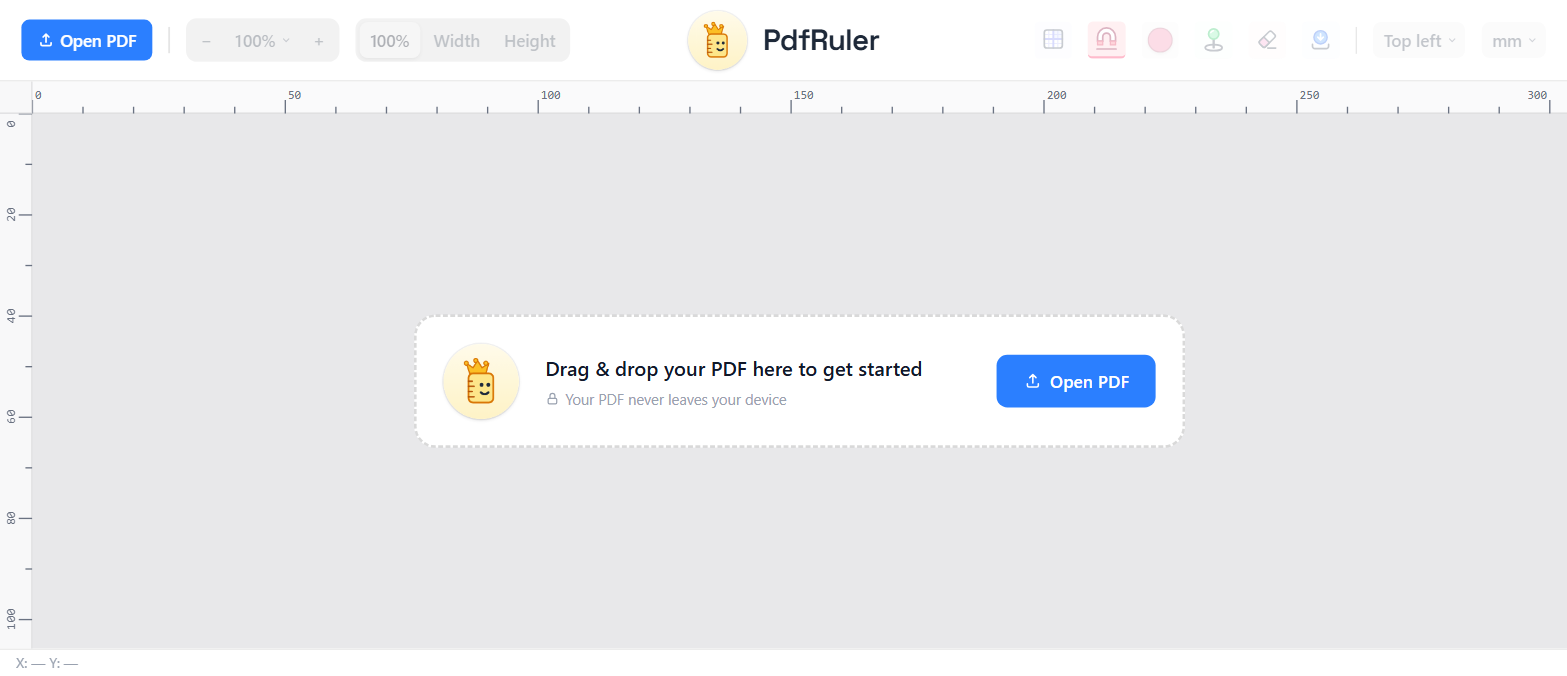
You want 210.00 x 297.00 mm. Anything within 0.5 mm is effectively A4; printers treat it as A4.
What the common results mean
| You see | It is |
|---|---|
| 210.00 x 297.00 mm | A4 |
| 209.97 x 296.97 mm | A4 from rounded points (595 x 842 pt) |
| 215.90 x 279.40 mm | US Letter, not A4 |
| 297.00 x 210.00 mm | A4 landscape |
| 216 x 303 mm | A4 with 3 mm bleed |
Mixed sizes inside one file
A PDF can have pages of different sizes. PdfRuler shows the size of the page you are on; step through the pages with the page controls and check each one.
Content size versus page size
If the page is A4 but the artwork inside only fills 190 x 270 mm, auto-measure the biggest box to see it. The page size and the content size are different things. See how to find the page size of a PDF and the full list in the A-series table.
Frequently asked questions
How do I check if a PDF is A4?
Open it in PdfRuler with the unit set to mm and read the page size. 210.00 x 297.00 mm is A4.
Why does my A4 PDF say 209.97 x 296.97 mm?
It was built from whole points (595 x 842 pt), which round the exact A4 of 595.28 x 841.89 pt. It is still A4 for printing.
Can one PDF contain different page sizes?
Yes. Check each page individually in PdfRuler.
