How to Check a Business Card PDF Size Before Printing (85 x 55, 90 x 50, 3.5 x 2 in)
A business card is small enough that a 1 mm mistake is obvious. Check these three things before sending the file to the printer.
Standard business card sizes
| Region | mm | inches |
|---|---|---|
| Europe (common) | 85 x 55 | 3.35 x 2.17 |
| Also offered by many printers | 90 x 50 | 3.54 x 1.97 |
| United States | 88.9 x 50.8 | 3.50 x 2.00 |
1. Is the trim size right?
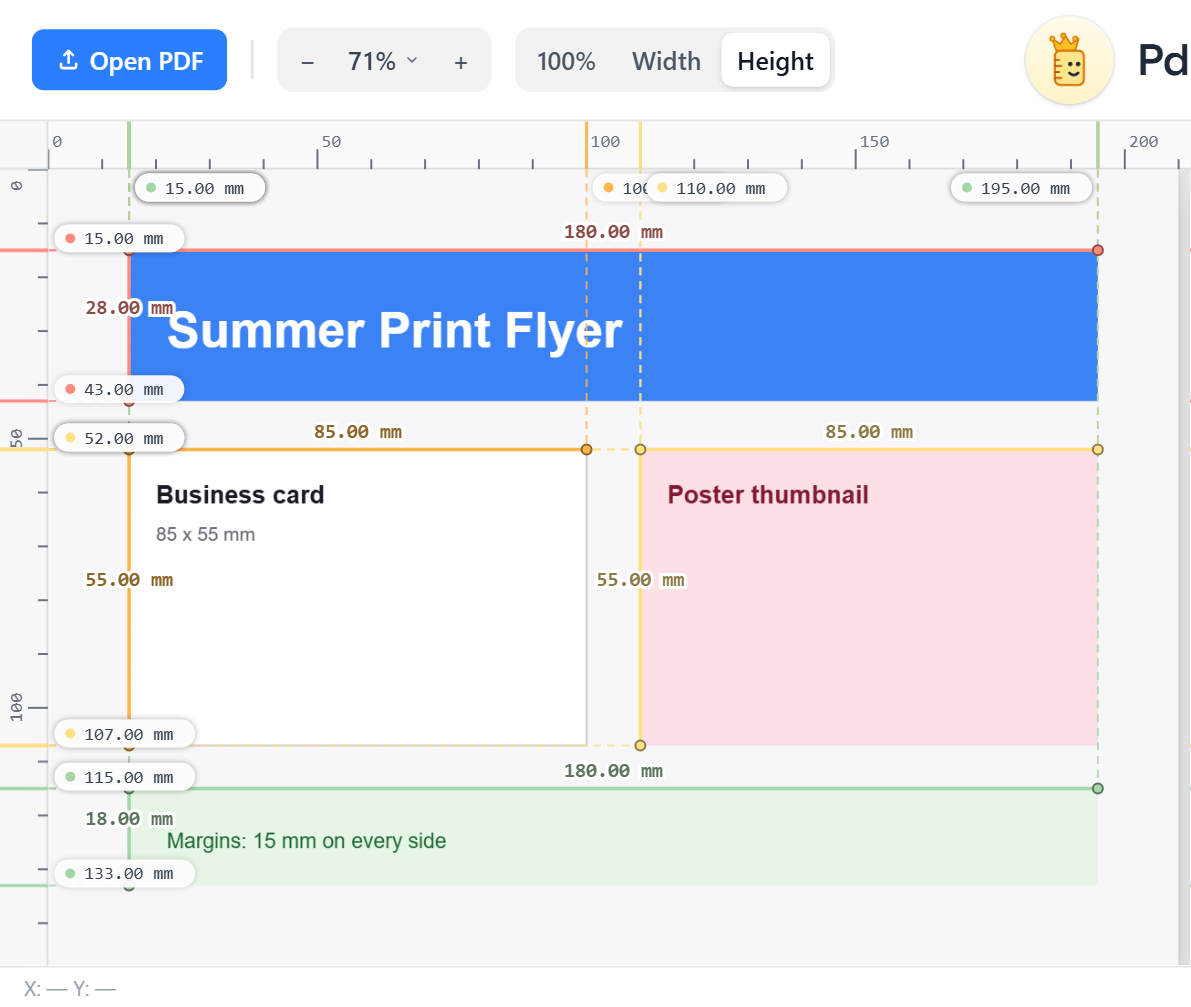
Open the PDF in PdfRuler, press A and read the card's box. The example below has an 85 x 55 mm card.
2. Is there bleed?
If the page itself is larger than the card, the extra is bleed. A card of 85 x 55 mm with 3 mm bleed is a page of 91 x 61 mm. A page that is exactly 85 x 55 mm has no bleed; ask the printer whether they need it. See what bleed is.
3. Is text inside the safe zone?
Drag four guides in 3 mm from each trim edge. Names, phone numbers and logos should stay inside the rectangle they form. More in ruler guides.
Common mistakes
- The card is built on a full A4 page with no crop marks, so the printer guesses the trim.
- The page is 3.5 x 2 in but the printer expects 85 x 55 mm, so the cut is off by a millimetre.
- A border is drawn right at the trim, so any tiny drift shows.
Frequently asked questions
What size is a standard business card?
In Europe 85 x 55 mm; in the US 3.5 x 2 inches (88.9 x 50.8 mm). Many printers also offer 90 x 50 mm.
How much bleed does a business card need?
Usually 3 mm (0.125 in) on each side, which makes an 85 x 55 mm card a 91 x 61 mm file.
How can I check the size of my card PDF?
Open it in PdfRuler and read the page size, then press Auto-measure to see the exact size of the card box.
