How to Measure a PDF on Mac, Windows, Linux or Chromebook
Built-in viewers like Preview and Edge show a PDF but have no ruler. Instead of hunting for a plugin on each operating system, use a browser-based ruler that works the same everywhere.
Why a browser tool works on every system
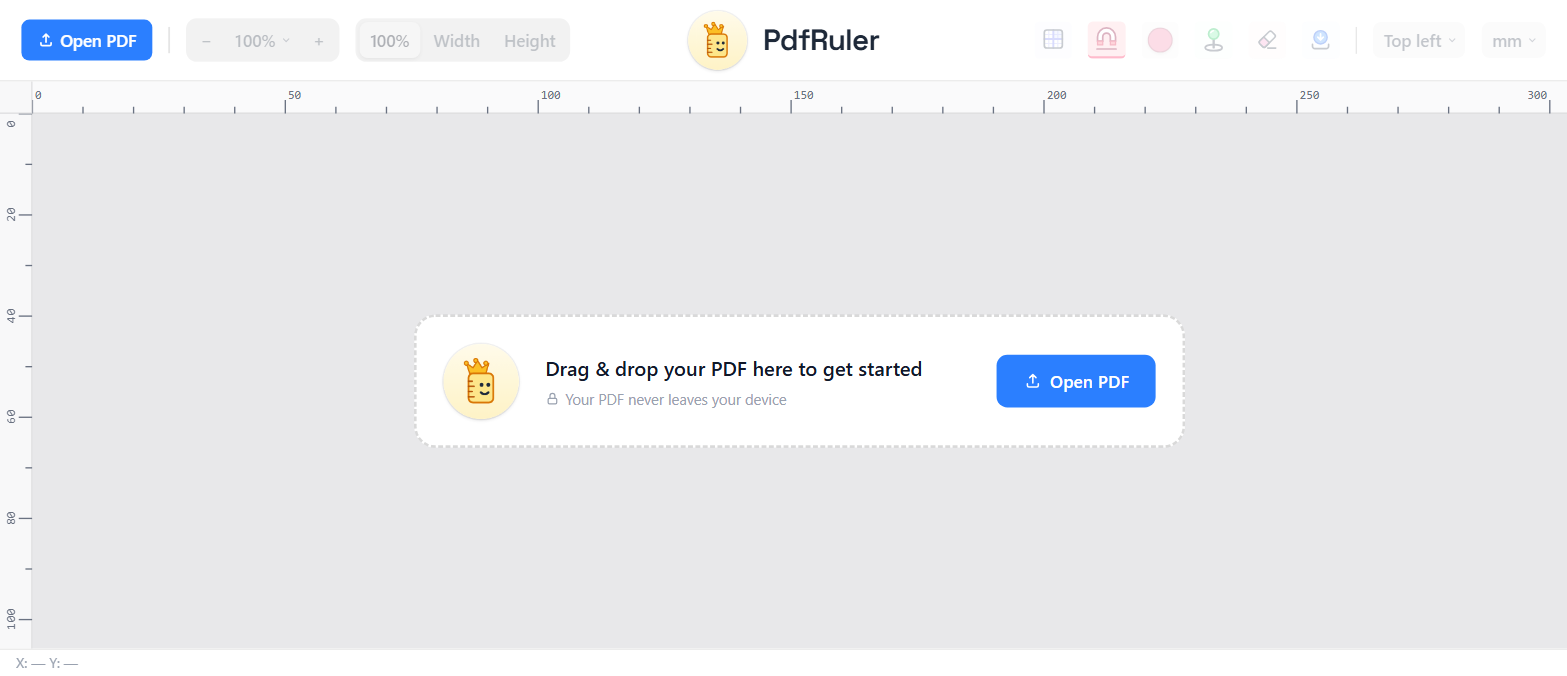
PdfRuler is a web app. It needs a current browser and nothing else: no extension, no account, no installer. The PDF is rendered locally with pdf.js and measured in PDF points, so the numbers are identical on a MacBook, a Windows PC, a Linux laptop and a Chromebook.
Steps on any computer
- Open pdfruler.com.
- Drag the PDF in, or press O and choose it.
- Pick mm, cm, in, pt or px.
- Hover to read X/Y, or click two spots to measure the distance.
Mouse, trackpad and zoom
- Windows / Linux / ChromeOS: hold Ctrl and scroll to zoom around the cursor.
- Mac: pinch on the trackpad, or hold Ctrl and scroll with a mouse.
Zoom between 10% and 500% never changes a measurement. More in zooming and still measuring accurately.
Private by design
The file is read by the browser tab and never uploaded, which matters for contracts and drawings. See measuring a PDF without uploading it.
Frequently asked questions
Can I measure a PDF on a Mac without Adobe?
Yes. Open PdfRuler in Safari, Chrome or Firefox, drop the PDF in and measure in mm, cm or inches. Nothing is installed.
Does it work on Chromebook?
Yes. It runs in the browser, so ChromeOS works like any other system.
Do I need an account or extension?
No. There is no sign-up and no extension; it is a free web page.
