Measure a PDF Privately: No Upload, No Account, Works Offline-Style
Search for a PDF tool and most results ask you to upload the file to their servers. For a contract, an architectural drawing or a client's artwork, that is a real risk. Measuring a PDF does not need a server at all.
How PdfRuler keeps the file on your device
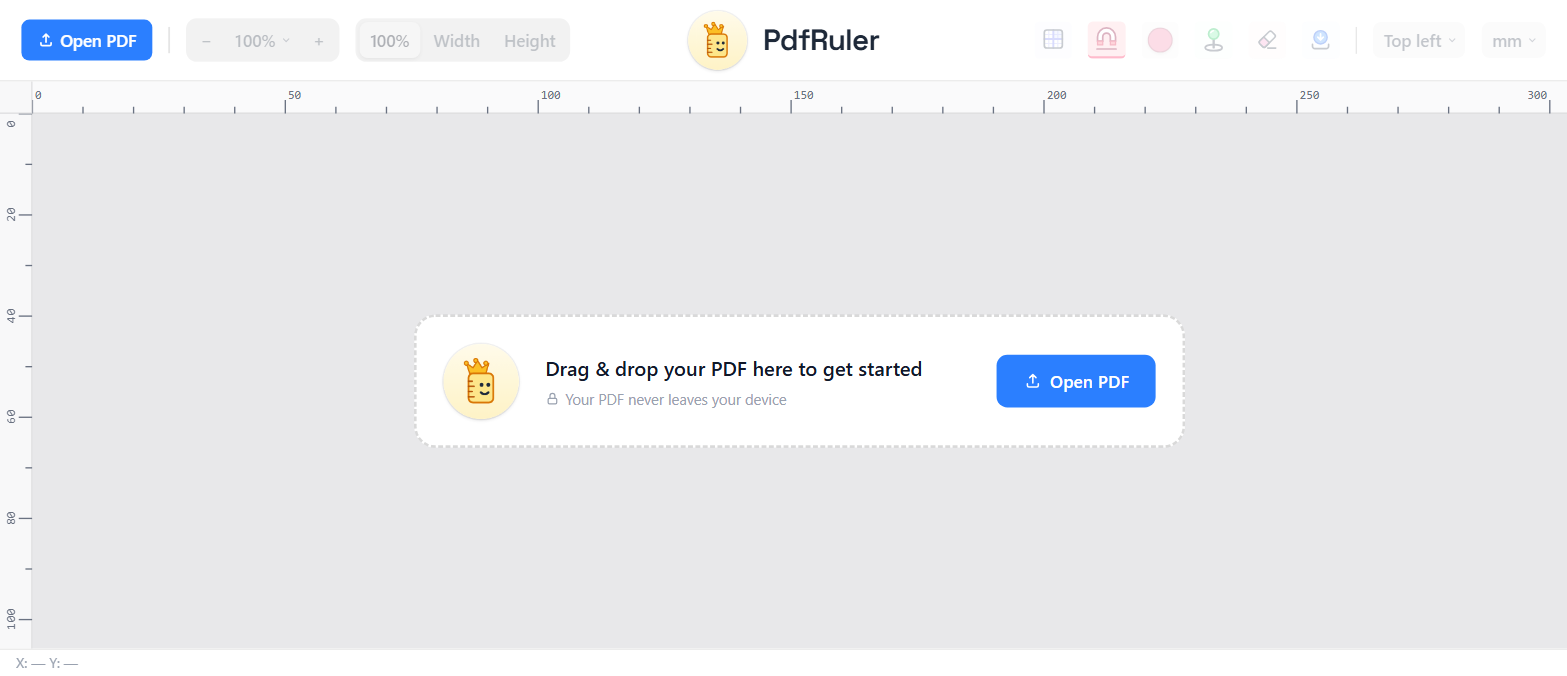
- The PDF is read by your browser from your disk, in memory.
- It is rendered by pdf.js, bundled with the site, not loaded from a third party.
- There is no backend for it to be sent to: no upload endpoint, no account, no database.
How to check it yourself
- Open your browser's developer tools and the Network tab.
- Drop a PDF into the page.
- Watch: no request carries the file anywhere.
What gets stored
Only your preferences (unit, grid, snap, origin and point colour) are kept in your browser's local storage so they are there on your next visit. The PDF itself is gone when you close the tab or press the cross next to its name.
Saving your work stays local too
"Save" builds a new PDF in the browser and downloads it. Your original is never changed. See saving a PDF with your measurements.
New to the tool? Start with how to measure a PDF online.
Frequently asked questions
Does PdfRuler upload my PDF?
No. The file is processed entirely in your browser and is never sent to a server.
Is it safe for confidential documents?
Because the file never leaves your device, it avoids the main risk of upload-based tools. Always follow your own organisation's policy.
Is anything saved between visits?
Only preferences such as unit, grid and snap settings, in your browser's local storage. The PDF is not stored.
