How to Measure a PDF Without Adobe Acrobat (Free Alternative)
In this guide
Acrobat's measuring tool lives in a paid product. If you only need to know how big something is on a PDF, a free browser tool covers it.
What you can do without Acrobat
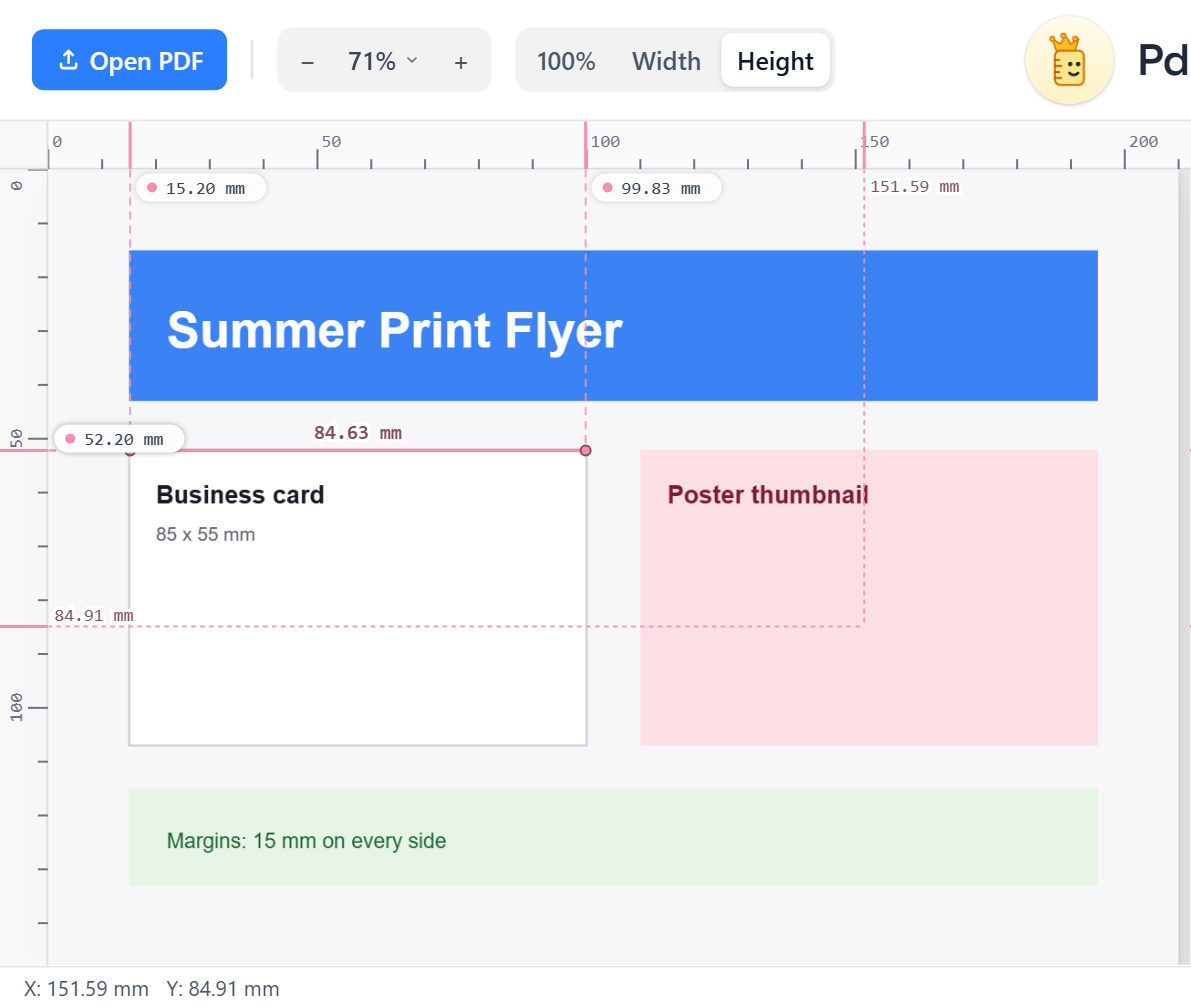
- Read the exact page size in mm, cm, in, pt or px.
- Read the X/Y position of the cursor from any of the four corners.
- Place points and read the distance between them.
- Drag guides to check margins and alignment.
- Auto-measure every box and straight line.
- Save a copy with the measurements drawn on it.
How to do it
- Go to PdfRuler.
- Drop in the PDF.
- Choose a unit and measure.
When Acrobat is still the better choice
Acrobat edits, signs and preflights PDFs, and its measure tool can apply a drawing scale such as 1:100 automatically. PdfRuler reports sizes in paper units; for scaled drawings, multiply by the scale yourself, as shown in measuring a scaled drawing.
Frequently asked questions
Can I measure a PDF for free?
Yes. PdfRuler is free, runs in your browser and measures page size, distances and coordinates without installing anything.
Is there an online PDF ruler?
Yes, PdfRuler at pdfruler.com. It draws rulers in mm, cm, inches, points or pixels around your PDF.
Is my PDF uploaded?
No. The PDF is opened and measured entirely in your browser.
