PdfRuler Keyboard Shortcuts and Mouse Tricks (Cheat Sheet)
Everything in PdfRuler can be done with the mouse, but a few keys make repeated measuring much faster. Plain letter keys work only when you are not typing in a field or have a dialog open, and never with Ctrl, Alt or Cmd held.
Keyboard
| Key | What it does |
|---|---|
| O | Open PDF (file picker) |
| A | Auto-measure every box and line |
| S | Save a copy with measurements |
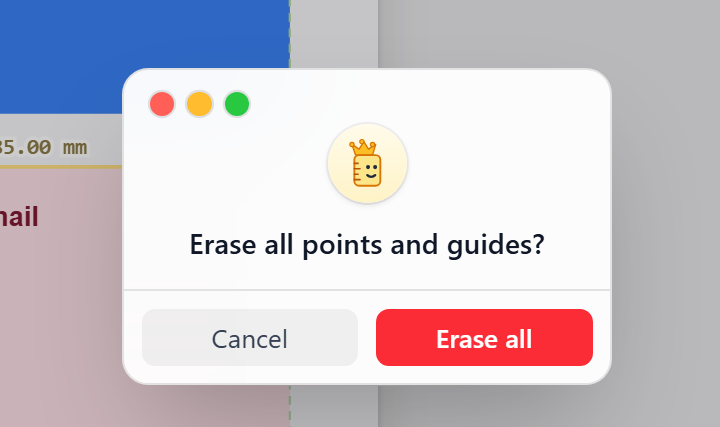
| E | Erase all points and guides (asks first) |
| Shift | Lock the pending line to horizontal or vertical |
| Alt | Bypass snap for one action |
| Backspace / Delete / Ctrl+Z | Undo the last point |
| Esc | Close a card or dialog |
Mouse and trackpad
| Action | Result |
|---|---|
| Click the page | Place a point (pairs make a measured line) |
| Drag a point or line | Move it |
| Click a point, line or guide | Open its info card |
| Right-click a point, line or guide | Delete it at once |
| Drag from a ruler | Pull out a guide |
| Click a ruler | Drop a guide at that value |
| Ctrl + scroll / pinch | Zoom 10 to 500% around the cursor |
Tooltips
Hover a toolbar button for a second to see its name and, when it has one, its shortcut.
Learn each feature in how to measure a PDF online.
Frequently asked questions
What are the keyboard shortcuts in PdfRuler?
O opens a PDF, A auto-measures, S saves, E erases all, Shift locks a line to an axis, Alt bypasses snap, and Backspace or Ctrl+Z undoes the last point.
How do I zoom with the mouse?
Hold Ctrl and scroll, or pinch on a trackpad. Zoom runs from 10 to 500% around the cursor.
How do I delete a point quickly?
Right-click the point (or line or guide) and it is deleted immediately.
