How to Measure Several PDFs at Once in Browser Tabs (Free, No Upload)
Comparing a proof against its revision, or checking a set of artwork files? PdfRuler opens up to five PDFs at once as tabs, and each one keeps its own page, zoom, points, guides, text, arrows and undo history. It runs in your browser, so nothing is uploaded.
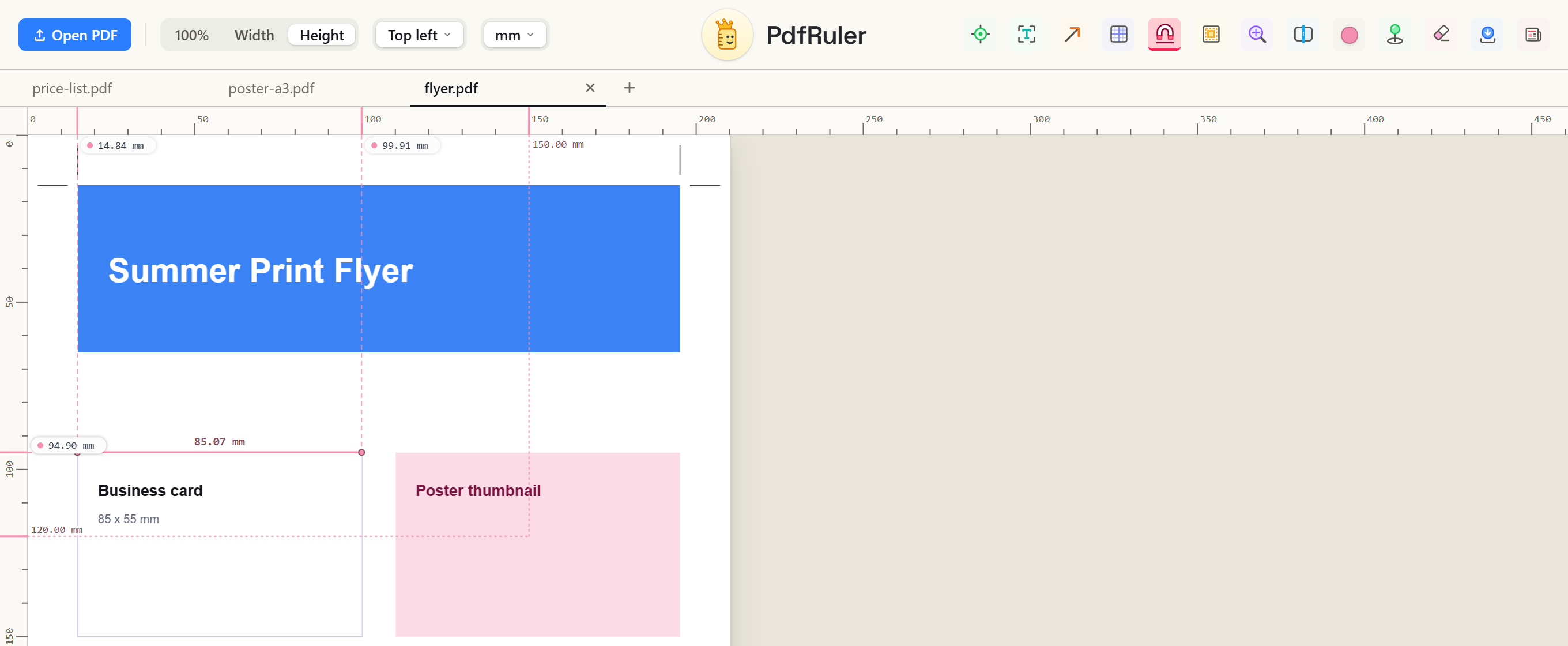
How to open a second PDF
- Open the first PDF at pdfruler.com/app (or press O).
- Open another the same way: press O, use Open PDF, or drop or paste a PDF anywhere on the page. It opens in a new tab instead of replacing the first.
- A tab bar appears under the toolbar once two PDFs are open. Click a tab to switch, or the + to open another.
What each tab remembers
Switching tabs puts everything back exactly as you left it: the page you were on, the zoom, any points and lines, guides, text, arrows and the undo history. Your settings, such as unit, origin, grid and snap, are shared by all tabs.
Closing tabs and the limit
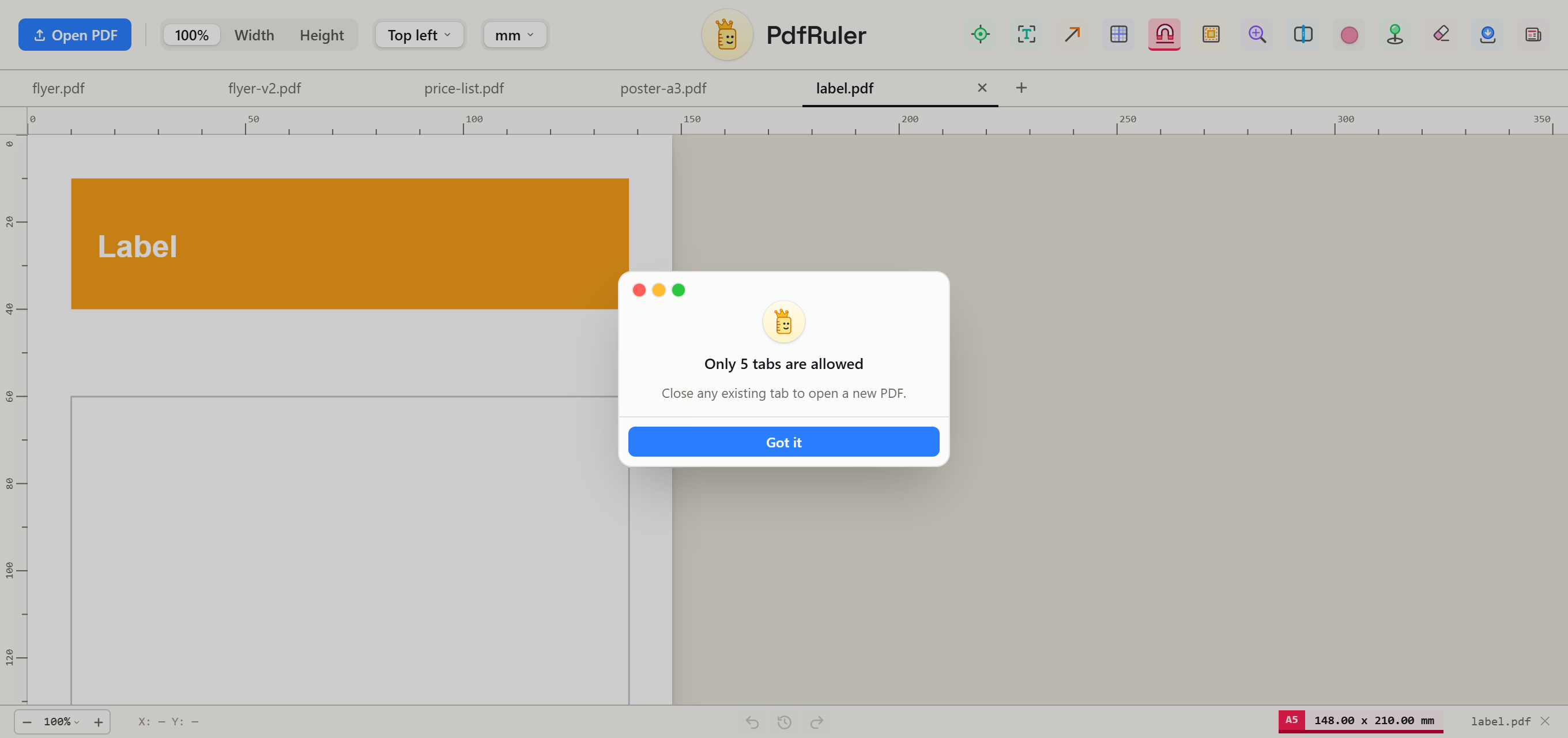
- Close a tab with its ✕ or a middle click. If it has measurements, you are asked first, because they are not saved. Use S to save a copy before closing.
- Five PDFs can be open at once, which keeps memory use low. Opening a sixth shows a notice: close any existing tab first.
- Only the tab you are looking at is drawn, so extra tabs cost memory but do not slow the page down.
Checking a whole job? See how to check every file in a print job with tabs, or put two PDFs side by side in split view.
Frequently asked questions
Can I open more than one PDF at a time?
Yes. Open a second PDF with Open PDF, the O key, or by dropping it on the page, and it opens in a new tab. Up to five PDFs can be open at once.
Are measurements kept when I switch tabs?
Yes. Each tab keeps its own page, zoom, points, lines, guides, text, arrows and undo history until you close it.
Does having several PDFs open slow the tool down?
No. Only the active tab is drawn. Other tabs only hold the file in memory, which is why the limit is five.

Free, private, in your browser. No upload. Or check the paper size reference.